Google Chrome is a Chromium browser that combines a minimal design with sophisticated technology (WebKit/Blink) to make the web faster, safer, and easier. The web browser is arguably the most important piece of software on your computer.
You spend much of your time online inside a browser: When you search, chat, email, shop, bank, read the news, and watch videos online, you often do all this using a browser.
Note: I have write a Chrome Loader or Wrapper to make Google Chrome portable, you can now just download and enjoy Google Chrome immediately.
Run GoogleChromePortable.exe to launch Google Chrome Portable.
The Profile Path is the DataChromeProfile folder and currently you can't change it. However, you could change the Disk Cache Location or size by editing the GoogleChromePortable.ini, also you could add any custome swithchs as you want in GoogleChromePortable.ini.
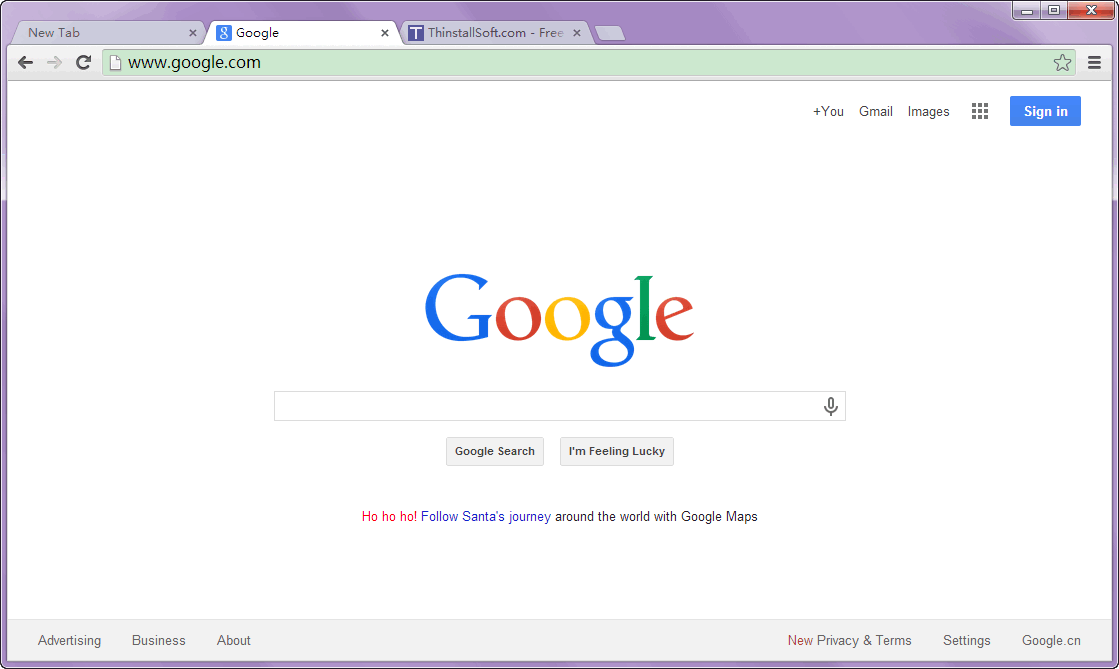
What's new in Google Chrome 56.0.2924.87 Stable?
- This release contains an update to Adobe Flash Player (19.0.0.245) and security fixes
Download Google Chrome
Developer: www.google.com
Password: www.thinstallsoft.com
MD5 Hash: 469AE77EAD00169018F9F80F1DD574D8
GoogleChromePortable_x86_56.0.2924.87.paf.paf.exe (49.35 MB)
@ThinstallSoft.com | Google Chrome Portable 56.0.2924.87 (32-bit) Download Page | Old Versions
Download Google Chrome Portable 56.0.2924.87 (64-bit)
GoogleChromePortable_56.0.2924.87.paf.exe (53.19 MB)
@ThinstallSoft.com | Google Chrome Portable 56.0.2924.87 (64-bit) Download Page